

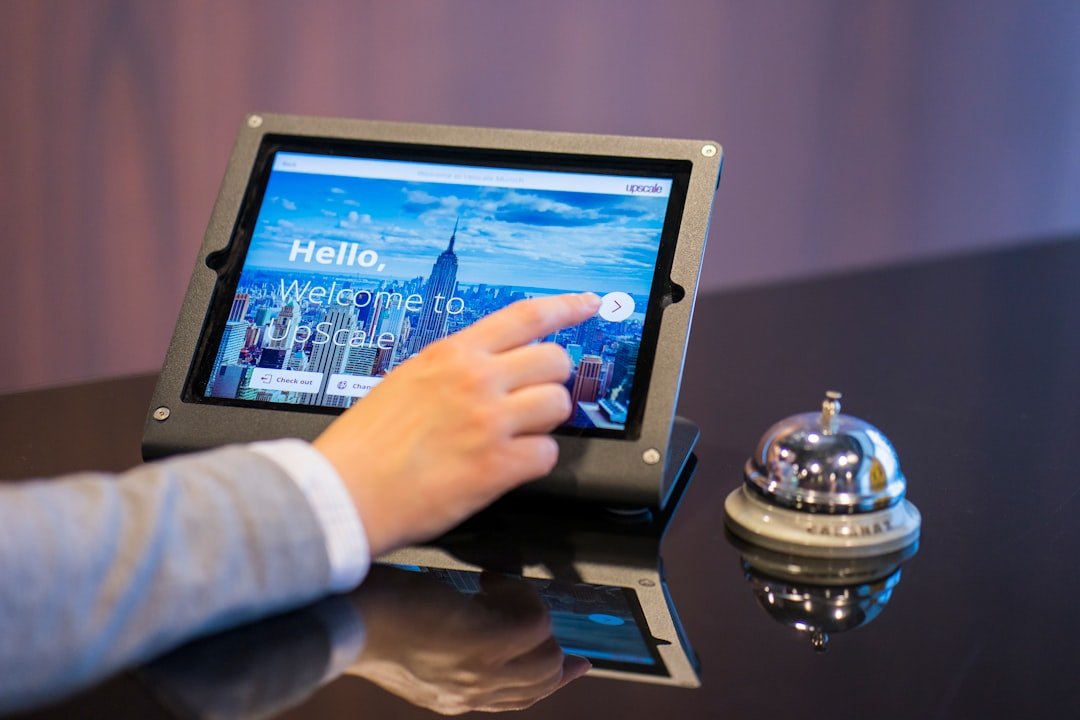
Yes, an online booking system is absolutely worth it for clinics. It streamlines appointments, reduces administrative burden, and generally makes life easier for both your staff and your patients. Think of it as a digital front desk that never sleeps, taking care of a lot of the repetitive tasks that eat into your team’s time.
Let’s be real, you’ve got a clinic to run. Every minute your staff spends on the phone is a minute they’re not spending on patient care or other critical tasks. Online booking isn’t just a fancy add-on; it’s a practical tool that delivers tangible benefits.
Free Up Your Front Desk
Imagine a world where your receptionists aren’t constantly juggling phone calls for appointments. That’s what online booking offers.
- Reduced Phone Calls: Patients can book at their convenience, reducing the influx of calls your front desk has to handle. This means less interruptions and a calmer work environment.
- More Time for Patients: With fewer booking calls, your staff can focus on welcoming patients, answering more complex questions, and providing a better in-person experience.
- Less Administrative Burnout: Repetitive tasks like booking appointments are a major contributor to burnout. Automating this process can significantly improve staff morale.
Enhanced Patient Experience
Happy patients are returning patients. An easy and convenient booking process goes a long way.
- 24/7 Availability: Life doesn’t stop at 5 PM. Patients can book appointments whenever it suits them – late at night, early morning, during their commute. This flexibility is a huge convenience.
- Empowerment and Control: Giving patients the ability to choose their preferred time, date, and even practitioner (if applicable) makes them feel more in control of their healthcare journey.
- Reduced Wait Times: When booking is more efficient, the overall flow of patients through your clinic can improve, potentially reducing wait times for appointments and in the waiting room.
- Automated Reminders: Most systems send out automatic reminders via SMS or email, significantly reducing no-shows and ensuring patients arrive prepared.
Improved Clinic Efficiency
Beyond the front desk and patient experience, online booking directly impacts your clinic’s operational efficiency.
- Optimized Schedules: Many systems have features that help optimize your practitioners’ schedules, filling gaps and minimizing wasted time.
- Accurate Data Capture: Patients enter their own details, reducing the chance of manual data entry errors by staff. This means cleaner patient records from the get-go.
- Reduced No-Shows: Automated reminders are a game-changer here. A significant portion of no-shows are simply due to forgetfulness, and a well-timed reminder can cut these down dramatically, improving your revenue and resource utilization.
- Better Resource Allocation: By understanding booking patterns, you can better allocate your staff and resources throughout the week.
For clinics looking to enhance their patient experience through an effective online booking system, it is also essential to consider how first impressions can impact patient satisfaction and retention. A related article that delves into this topic is “Mastering the First Impression,” which discusses strategies for creating a welcoming environment both online and offline. You can read more about it here: Mastering the First Impression. This resource complements the insights provided in the “Online Booking System for Clinics: A Complete Guide” by emphasizing the importance of initial interactions in the healthcare setting.
What to Look For: Key Features of a Good Online Booking System
Not all online booking systems are created equal. To ensure you’re getting a tool that genuinely helps, here are the essential features to prioritize.
User-Friendly Interface (for both patients and staff)
If it’s clunky, people won’t use it. Simplicity is key.
- Intuitive Patient Experience: Can patients easily find the services they need, select a practitioner, and choose a time slot in just a few clicks? Is the design clean and uncluttered?
- Easy Staff Management: Can your receptionists or managers easily view, modify, or add appointments from their end? Is it straightforward to block out time, manage practitioner availability, and access patient information?
- Mobile Responsiveness: A huge number of people will book from their phones. The system must look and function perfectly on any device.
Customization and Flexibility
Your clinic has unique needs. The system should adapt to you, not the other way around.
- Service & Practitioner Specificity: Can you easily define different services (e.g., initial consultation, follow-up, specific treatments) and assign them to particular practitioners? Can you set different durations and pricing?
- Clinic Hours & Availability: The ability to set complex availability rules for individual practitioners, including breaks, days off, and specific working hours, is crucial.
- Booking Rules & Constraints: Can you implement rules like requiring a certain amount of lead time for bookings, or preventing patients from booking certain services without a prior consultation?
- Branding: The option to integrate your clinic’s logo and color scheme into the booking interface helps maintain a consistent professional image.
Integration Capabilities
A standalone booking system is okay, but one that talks to your other software is fantastic.
- EHR/EMR Integration: This is a big one. Ideally, the booking system should integrate with your Electronic Health Records or Electronic Medical Records system. This means patient details are automatically updated, appointment notes can be linked, and medical histories are accessible. This reduces double data entry significantly.
- Payment Processing: The ability to take deposits or full payments online is a major plus, especially for services where no-shows are costly. Look for secure integrations with common payment gateways.
- Calendar Sync (Google Calendar, Outlook): For practitioners, syncing their work schedule with their personal calendar (if they choose) can be incredibly convenient.
- Telehealth Platform Integration: If your clinic offers virtual appointments, seamless integration with your chosen telehealth platform (Zoom, Doxy.me, etc.) is essential for sending links and managing virtual waiting rooms.
Communication Features
Keeping patients informed is vital.
- Automated Reminders: SMS and email reminders for appointments are a must-have. Look for customizable templates and the ability to send multiple reminders (e.g., 48 hours before, 2 hours before).
- Confirmation Emails: Instant confirmation emails after booking reassure patients that their appointment is set.
- Recall System: Some advanced systems can help with patient recalls for follow-up appointments or routine check-ups, which is great for patient retention and proactive care.
- Waitlist Management: If a slot opens up, can the system automatically notify patients on a waitlist? This helps fill cancellations and optimize your schedule.
Reporting and Analytics
Data helps you make better decisions.
- Booking Trends: Understand when your busiest times are, which services are most popular, and which practitioners are in highest demand.
- No-Show Rates: Track and analyze your no-show rates to identify patterns and refine your reminder strategy.
- Revenue Tracking: If integrated with payment processing, you can track revenue generated through online bookings.
- Patient Demographics: Gain insights into who is booking your services.
The Implementation Journey: Getting Started with Online Booking
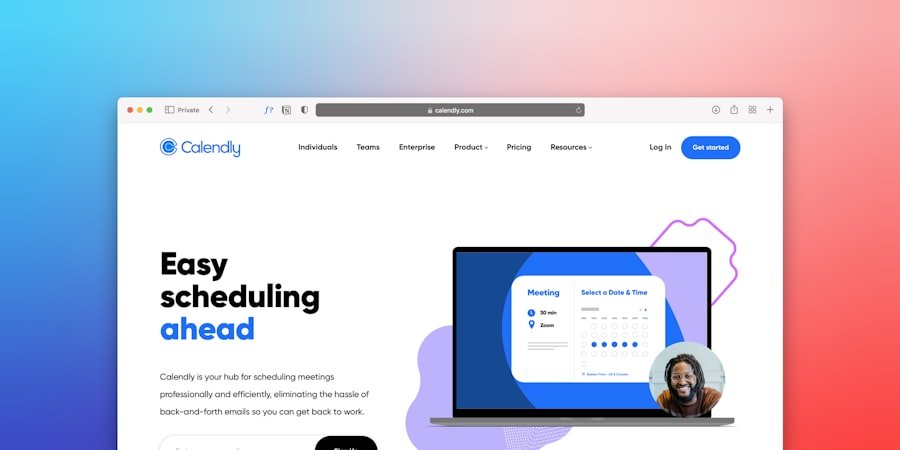
Rolling out a new system can seem daunting, but breaking it down into steps makes it manageable.
Initial Setup and Configuration
This is where you make the system work for your clinic.
- Define Services and Practitioners: List all your services with their durations, pricing, and descriptions. Assign them to the relevant practitioners.
- Set Availability: Carefully input each practitioner’s working hours, breaks, and days off. This is crucial for accurate scheduling.
- Customize Booking Rules: Implement any specific rules your clinic has, such as required lead times or blocking certain times for administrative tasks.
- Integrate with Existing Systems: Connect your EHR/EMR, payment gateway, and calendar systems as needed. This usually involves API keys or specific integration steps provided by the software vendor.
- Branding and Messaging: Upload your logo, choose your clinic’s colors, and customize the text for confirmation emails and reminders to reflect your clinic’s voice.
Staff Training
Your team needs to be comfortable with the new system to make it a success.
- Hands-on Workshops: Don’t just show them a video. Conduct interactive training sessions where staff can practice using the system from both the patient and administrative perspective.
- Address Concerns: Be open to questions and feedback. Some staff might be resistant to change; address their concerns head-on.
- Create Cheat Sheets: Provide quick reference guides for common tasks, like modifying an appointment or checking a patient’s booking history.
- Designate a “Go-To” Person: Have one or two staff members become super-users who can assist colleagues with minor issues and questions.
Patient Communication and Rollout
Patients need to know about and trust the new system.
- Website Integration: Prominently display the “Book Online” button on your clinic’s website. Make it easy to find.
- In-Clinic Promotion: Use signs in your waiting room, flyers at the front desk, and even verbal announcements from your staff to inform patients about the new option.
- Social Media & Email: Announce the new system on your social media channels and send out an email to your existing patient base. Highlight the benefits for them.
- Phased Approach (Optional): If you’re nervous, you could consider a soft launch, perhaps only offering online booking for certain services initially, before rolling it out fully.
- Encourage Feedback: Ask patients how they found the booking process. Their input is invaluable for identifying areas for improvement.
Sure, here is the sentence with the clickable link:
I highly recommend using a WordPress Booking Plugin for your website to streamline your booking process.
Making the Right Choice: Key Considerations When Selecting a System
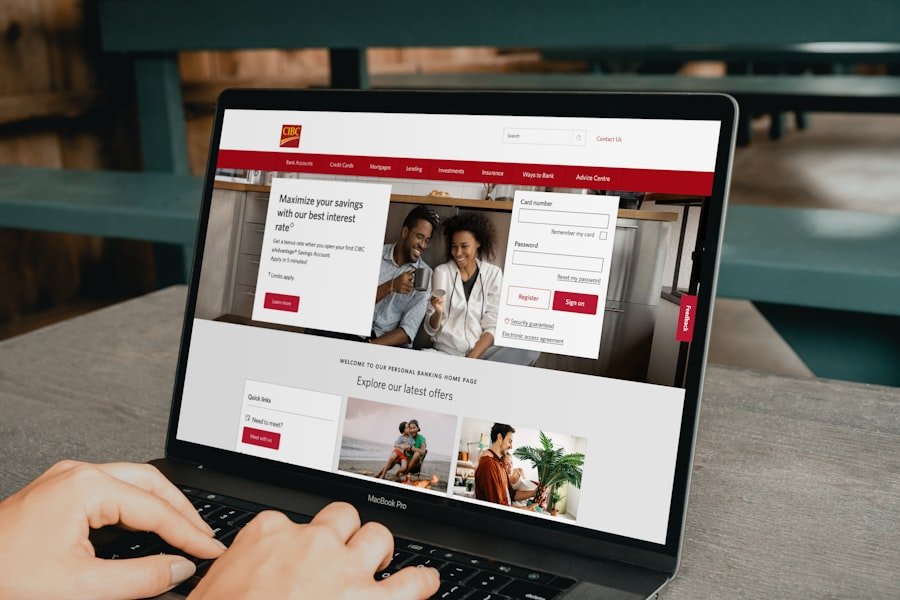
With so many options out there, how do you pick the best one for your clinic?
Budget
Online booking systems vary widely in price, from free basic options to comprehensive enterprise solutions.
- Subscription Models: Most systems operate on a monthly or annual subscription. Understand what’s included in different tiers.
- Transaction Fees: If you plan to take online payments, check for any per-transaction fees charged by the booking system provider in addition to payment gateway fees.
- Setup Costs: Are there any upfront setup fees or costs for integrations?
- Scalability: Choose a system that can grow with your clinic. Will the pricing model still make sense if you add more practitioners or services?
Security and Compliance (HIPAA, GDPR, etc.)
This is non-negotiable, especially in healthcare.
- Data Encryption: Ensure all patient data is encrypted both in transit and at rest.
- Compliance Certifications: The system must be compliant with relevant healthcare regulations like HIPAA in the US, GDPR in Europe, or similar data privacy laws in your region. Ask for their compliance documentation.
- Access Control: Can you control who has access to what information within the system?
- Data Backups: What are their data backup and recovery procedures?
Customer Support
When things go wrong (and they sometimes do), you need help.
- Availability: What are their support hours? Is it 24/7 or only during business hours?
- Channels: Do they offer phone, email, live chat support?
- Response Time: What’s their typical response time for critical issues?
- Knowledge Base: A comprehensive online knowledge base or FAQ section can often help you troubleshoot minor issues quickly without needing to contact support.
Reviews and Reputation
See what other clinics are saying.
- Industry-Specific Reviews: Look for reviews from other healthcare providers, especially those in similar specialties to yours.
- Trial Periods: Many providers offer free trials. Take advantage of these to test the system thoroughly with your team.
- Demos: Request a personalized demo to see how the system would specifically work for your clinic’s workflows.
In the realm of healthcare management, an effective online booking system for clinics can significantly enhance patient experience and streamline operations. For those looking to improve their clinic’s digital presence, exploring web design services can be equally beneficial. A related article that delves into this topic is available at Unlock the Power of Exceptional Web Design Services in Malaysia, which discusses how a well-designed website can complement an online booking system and attract more patients.
Common Pitfalls to Avoid
Even with the best intentions, some clinics stumble during implementation. Be aware of these common issues.
Overcomplicating the Setup
Don’t try to perfect everything on day one. Start with the essentials and iterate. Too many rules or services can overwhelm both your staff and patients.
Insufficient Staff Buy-in
If your front desk staff isn’t on board, they won’t promote it, and they might even actively discourage its use. Involve them in the selection and training process. Show them how it makes their job easier.
Poor Website Integration
If the “Book Online” button is hard to find or the booking page itself is buried deep within your website, patients won’t use it. Make it prominent and obvious.
Neglecting Patient Education
Patients need to know this option exists and how to use it. Don’t assume they’ll just stumble upon it. Proactively educate them.
Not Monitoring Performance
Launch it, set it, and forget it? That’s a recipe for inefficiency. Regularly check your booking trends, no-show rates, and gather feedback from both staff and patients. Use this data to fine-tune your system and processes.
An online booking system isn’t a magic bullet, but it’s a powerful tool that, when implemented thoughtfully, can significantly enhance your clinic’s efficiency, improve patient satisfaction, and ultimately, free up your team to focus on what truly matters: providing excellent care.
FAQs
What is an online booking system for clinics?
An online booking system for clinics is a software that allows patients to schedule appointments with healthcare providers through a website or mobile app. It streamlines the appointment booking process, reduces administrative work, and improves patient satisfaction.
What are the benefits of using an online booking system for clinics?
Some benefits of using an online booking system for clinics include improved patient access to care, reduced no-show rates, increased operational efficiency, and the ability to offer 24/7 appointment scheduling. It also allows clinics to collect patient information and send appointment reminders.
How does an online booking system for clinics work?
An online booking system for clinics typically integrates with the clinic’s existing practice management software. Patients can visit the clinic’s website or use a mobile app to view available appointment slots, select a convenient time, and book their appointment. The system then updates the clinic’s schedule in real-time.
What features should a good online booking system for clinics have?
A good online booking system for clinics should have features such as customizable appointment scheduling, automated appointment reminders, patient information collection, integration with practice management software, and the ability to handle multiple providers and locations.
What are some popular online booking systems for clinics?
Some popular online booking systems for clinics include Zocdoc, Doctolib, Practo, and HealthEngine. These platforms offer a range of features to help clinics streamline their appointment booking process and improve patient access to care.

