

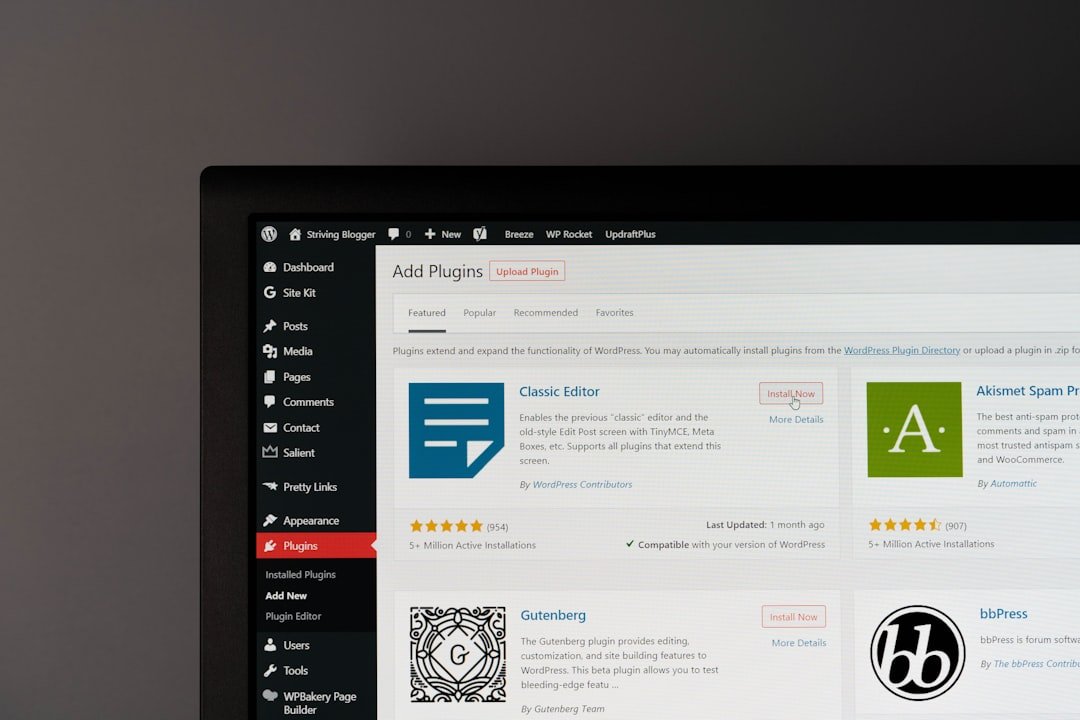
Picking the right booking plugin for your website can feel a bit like sifting through a mountain of options – overwhelming, right? But the short answer is, the “right” plugin is the one that fits your specific needs like a glove. It’s not about finding the most popular or the cheapest, but the one that truly streamlines your scheduling and makes life easier for both you and your customers. We’ll dive into what that looks like in practice.
Before you even glance at a plugin, take a moment to think about what you actually need it to do. This isn’t just a formality; it’s the foundation of a good decision.
What Are You Booking?
The type of service or resource you’re scheduling dramatically influences plugin choice.
- Appointments (e.g., salon, massage, therapy): You’ll need time slots, staff availability, and maybe even client intake forms.
- Events (e.g., workshops, classes, webinars): Focus on fixed dates, attendee limits, and often ticket sales.
- Resources (e.g., meeting rooms, equipment, vehicles): Requires tracking resource availability and often duration-based booking.
- Services (e.g., consultations, coaching, repairs): Similar to appointments but might need more complex pricing or package options.
- Hotels/Accommodations (e.g., B&Bs, vacation rentals): Look for room types, seasonal pricing, minimum stays, and availability calendars.
Who Are Your Users?
Think about both your customers and your team.
- Customers: Are they tech-savvy or do they prefer simplicity? Will they be booking on mobile? Do they need to reschedule easily?
- Staff: Will they need to manage appointments, view schedules, or block out their own time? Do they need separate logins?
What’s Your Budget?
Booking plugins range from free basic options to expensive, feature-rich solutions.
- Free vs. Paid: Free plugins often offer core functionality but might lack advanced features, support, or integrations. Paid plugins come with ongoing costs (subscriptions or one-time purchases) but usually provide more robust tools and dedicated support.
- Hidden Costs: Watch out for add-ons, premium support, or transaction fees that might not be immediately obvious.
When selecting the perfect booking plugin for your website, it’s essential to consider various factors, including your hosting environment. For small businesses, finding an affordable and reliable hosting solution can significantly impact your website’s performance and the effectiveness of your booking system. To explore some budget-friendly options for shared hosting plans that cater specifically to small businesses, check out this informative article on affordable shared hosting plans.
Essential Features to Look For
Once you have a clear picture of your needs, you can start evaluating plugins based on their feature sets.
User Interface and Experience (UI/UX)
This is crucial for both you and your customers. A clunky interface will lead to frustration and lost bookings.
- Customer-Facing Interface: Is it intuitive and easy to navigate? Can customers find available slots quickly? Is the booking process smooth and few steps? Does it look good on mobile devices?
- Admin Backend: Is it easy for you to manage bookings, adjust settings, and view reports? Can you quickly see your daily schedule?
- Customization: Can you brand the booking interface to match your website’s look and feel (colors, fonts, logo)?
Scheduling & Availability Management
This is the core functionality.
- Real-time Availability: Does it update instantly when a slot is booked or canceled?
- Buffer Times: Can you add automatic breaks between appointments (e.g., for cleanup or travel)?
- Working Hours: Can you easily set your regular business hours, holidays, and special closures?
- Staff Management: If you have multiple staff, can you assign services to specific staff members and manage their individual availability?
- Flexible Scheduling: Can you offer different service durations, recurring appointments, or package deals?
- Capacity Management: For classes or events, can you set a maximum number of attendees?
Payment Processing
Getting paid is usually a pretty important part of running a business.
- Integration with Gateways: Does it integrate with popular payment gateways like Stripe, PayPal, Square, or WooCommerce Payments?
- Payment Options: Can you offer full payment upfront, deposits, or pay-on-arrival options?
- Refunds/Cancellations: Is there a straightforward way to process refunds or manage cancellations through the system?
- Currency Support: Does it support your local currency and potentially others if you have international clients?
Notifications and Reminders
No-shows are a pain. Good notifications help reduce them.
- Automated Emails/SMS: Can you send automated confirmation emails, reminder texts, and follow-up messages?
- Customizable Templates: Can you personalize the content of these notifications?
- Calendar Sync: Does it integrate with Google Calendar, Outlook Calendar, or iCal for both you and your customers? This is often a huge time-saver.
Integrations and Compatibility
Your booking plugin doesn’t live in a vacuum. It needs to play nicely with other tools.
- Website Platform: Is it designed for your website platform (e.g., WordPress, Squarespace, Shopify)?
- CRM/Email Marketing: Can it connect with your CRM (e.g., HubSpot, Salesforce) or email marketing platform (e.g., Mailchimp, ConvertKit)?
- Analytics: Does it provide reports or integrate with Google Analytics to track booking trends?
- Video Conferencing: For online services, does it integrate with Zoom, Google Meet, or similar platforms?
Types of Booking Plugins and Their Trade-offs
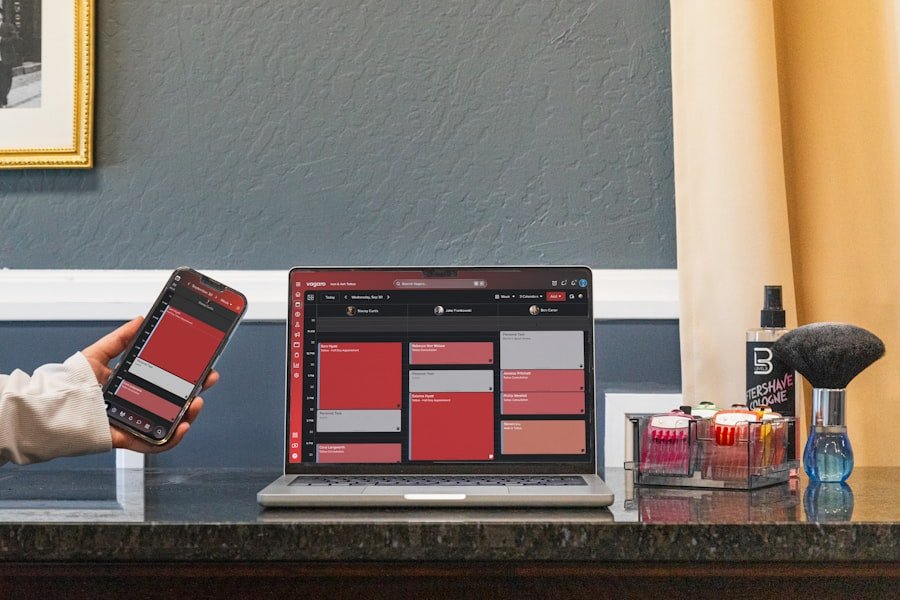
Plugins generally fall into a few categories, each with its own pros and cons.
WordPress-Specific Plugins
If your website runs on WordPress, you have a vast array of plugins specifically designed for it.
- Pros: Deep integration with WordPress, often lower initial cost, huge community support, high degree of customization.
- Cons: Can sometimes conflict with other plugins or themes, requires some technical understanding for setup and troubleshooting, ongoing maintenance (updates, backups).
- Examples: Amelia, Bookly, Booking Calendar, Simply Schedule Appointments.
SaaS (Software as a Service) Solutions
These are standalone booking platforms that you embed or link to from your website.
- Pros: Generally easier to set up and maintain (they handle hosting and updates), robust features, dedicated support, often very user-friendly.
- Cons: Monthly subscription fees can add up, less customization for the core booking experience, data is hosted externally, might not integrate as deeply with your specific website platform.
- Examples: Acuity Scheduling, Calendly, Tock, SuperSaaS, Setmore.
E-commerce Platform Add-ons
If your website is primarily an online store (e.g., Shopify, WooCommerce), you might look for extensions specific to those platforms.
- Pros: Seamless integration with your existing product catalog and checkout process, uses your existing payment gateways.
- Cons: Can be limited in specialized booking features compared to dedicated solutions, might require workarounds for complex scheduling.
- Examples: WooCommerce Bookings, Shopify Apps for appointments.
Sure, here is the sentence with the clickable link:
I highly recommend using a WordPress Booking Plugin for your website.
Key Considerations for Specific Scenarios
Let’s get a bit more specific based on common business types.
For Appointment-Based Businesses (Salons, Therapists, Consultants)
Your focus should be on individual time slots and staff management.
- Staff Profiles: Can clients choose a specific staff member? Can staff manage their own schedules?
- Service Grouping: Can you offer different services with varying durations and prices?
- Client Management: A system to keep track of client history, notes, and preferences is a big plus.
- Recurrence: Ability for clients to book recurring appointments (e.g., weekly massages).
For Event and Class Bookings (Workshops, Fitness Studios)
Here, capacity and group management are paramount.
- Attendee Limits: Essential for managing class sizes.
- Waiting Lists: What happens when a class is full? Can people sign up for a waiting list?
- Multiple Date Options: Can you offer the same event on different dates or times?
- Ticket Types: If you have different pricing tiers (e.g., early bird, standard, VIP).
- Group Bookings: Can one person book for multiple attendees?
For Resource or Rental Businesses (Equipment, Rooms, Vehicles)
Availability of the resource itself is the driving factor.
- Inventory Management: Can you track how many of each item or resource are available?
- Duration-Based Booking: Hourly, daily, weekly rentals.
- Add-ons: Can customers add extras (e.g., helmet with a bike rental)?
- Damage Waiver/Insurance Options: If relevant to your business.
For Accommodation Bookings (B&Bs, Vacation Rentals)
This often requires a specialized approach due to the complexities of room types and pricing.
- Room/Unit Types: Managing different types of rooms or rental units.
- Seasonal Pricing: Adjusting rates based on demand, holidays, or seasons.
- Minimum/Maximum Stays: Setting rules for how long guests can book.
- Check-in/Check-out Times: Specific time slots for arrival and departure.
- Cleaning/Turnover Time: Automatic blocking of rooms between bookings.
When selecting the ideal booking plugin for your website, it’s essential to consider various factors such as user experience, compatibility, and features. For those looking to enhance their website design while integrating effective booking solutions, you might find valuable insights in a related article about website design in Malaysia. This resource can help you understand how a well-designed site can complement your booking system and improve overall functionality. To explore more, check out this informative piece on website design in Malaysia.
Testing and Due Diligence
Don’t just pick the first plugin that looks good. A little testing goes a long way.
Read Reviews and Case Studies
See what other users are saying. Look for common complaints or praise. Are there case studies from businesses similar to yours? Check independent review sites, not just the plugin’s own website.
Try Demos or Free Trials
Many plugins offer a demo of their admin interface or a free trial period. Take advantage of these! Set up a mock service, try to book it as a customer, and manage it as an admin.
Check Support Options
What kind of support is available? Is it email, chat, phone, or a knowledge base? How responsive are they? This is crucial if you run into problems, especially during peak booking times.
Scalability
Think ahead. If your business grows, will the plugin still meet your needs? Can it handle increased bookings, more staff, or new services without completely overhauling your system?
Security and Data Privacy
This is paramount. Where is your customer data stored? Is it GDPR compliant (if applicable)? What security measures are in place to protect sensitive information like payment details? Make sure you understand the plugin’s data handling policies.
When selecting the ideal booking plugin for your website, it’s essential to consider various factors such as ease of use, compatibility with your theme, and the specific features you need. For a comprehensive guide on setting up your WordPress site with the right theme and plugins, you can refer to this informative article on WordPress installation and setup. This resource will help you understand how to create a solid foundation for your website, ensuring that your booking system integrates seamlessly.
Making Your Final Decision
After considering all these points, you should have a much shorter list of potential plugins.
Prioritize Your Must-Haves
Go back to your initial “core needs.” Which features are absolutely non-negotiable? Eliminate any plugins that don’t meet these.
Weigh Pros and Cons
For your remaining options, create a simple list of pros and cons. Sometimes, a slightly more expensive plugin is worth it for the time and frustration it saves you.
Don’t Be Afraid to Start Simple
If you’re just starting out, you might not need every bells and whistle. A simpler, more affordable plugin can get you up and running, and you can always upgrade or switch later if your needs evolve. The goal is to solve your immediate booking challenges, not to find the perfect solution for every hypothetical future scenario.
Choosing the right booking plugin is an investment in your business’s efficiency and customer experience. By taking a structured approach and really thinking about what you need, you’ll be well on your way to a smoother, more organized booking process.
FAQs
1. What is a booking plugin for a website?
A booking plugin is a software application that can be integrated into a website to allow users to schedule and book appointments, reservations, or services directly from the website.
2. What are the key features to consider when choosing a booking plugin?
Key features to consider when choosing a booking plugin include ease of use, customization options, integration with payment gateways, calendar management, email notifications, and customer support.
3. How can I determine the compatibility of a booking plugin with my website platform?
Before choosing a booking plugin, it’s important to check its compatibility with your website platform, such as WordPress, Shopify, or Wix. Most booking plugins will specify which platforms they are compatible with on their website or in their documentation.
4. What are some popular booking plugins available in the market?
Some popular booking plugins available in the market include WooCommerce Bookings, Bookly, Amelia, BirchPress, and SimplyBook.me. Each of these plugins offers different features and integrations, so it’s important to research and compare them based on your specific needs.
5. What are the pricing options for booking plugins?
Pricing for booking plugins can vary widely, from free versions with limited features to premium versions with advanced functionality. Some plugins offer one-time purchase options, while others operate on a subscription-based model. It’s important to consider your budget and the features you require when choosing a pricing option for a booking plugin.

